

Your crew's Geometry Dash server, one click away.
The official launcher for Dev's GDPS. Install the game, add Geode and jump into our levels, all from one app.
Free · Needs Geometry Dash on Steam · Not affiliated with RobTop Games
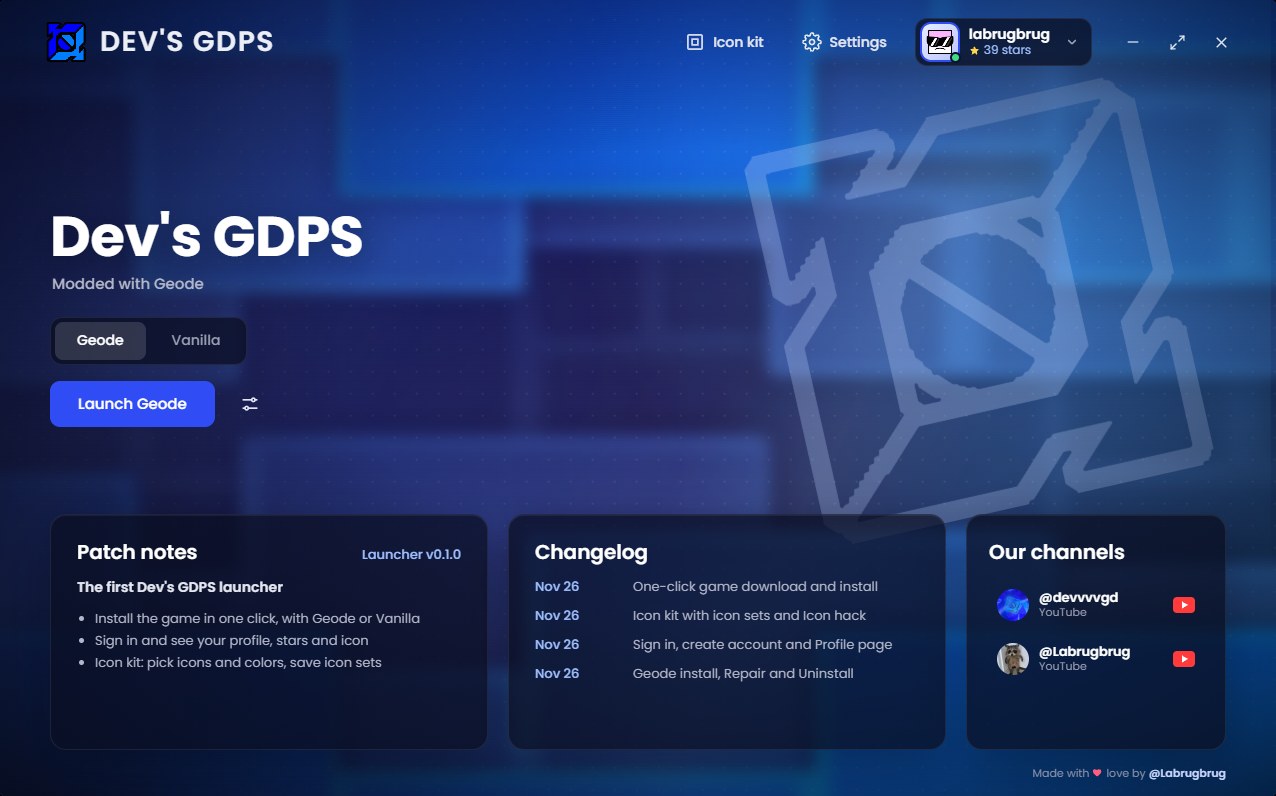
Everything in one place
No more digging through zips and folders. The launcher handles the boring parts.
Geode in one click
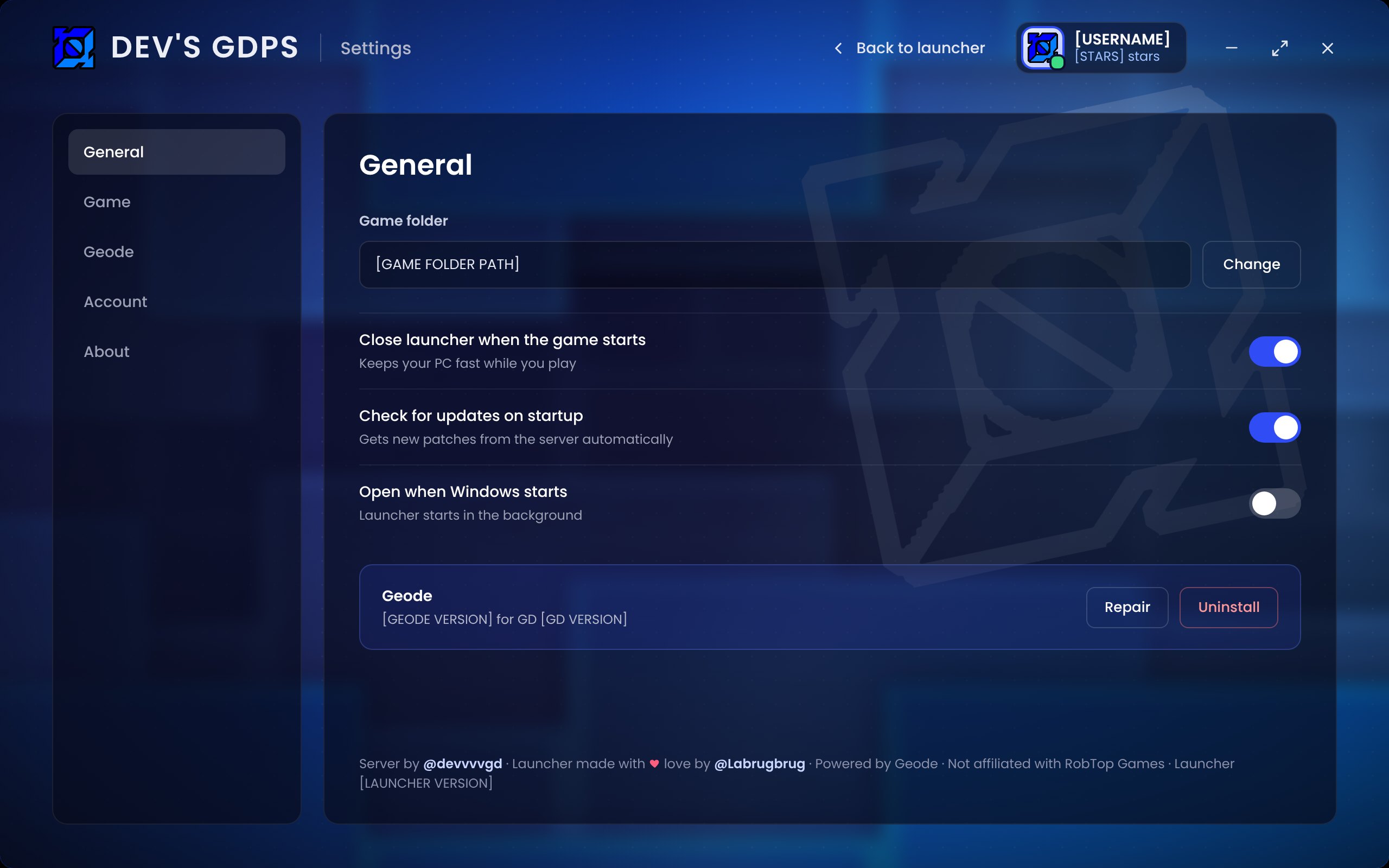
Installs the right Geode version for our client, straight from Geode's official releases.
Vanilla anytime
Flip between Geode and Vanilla before you launch. No reinstalling.
Your real save stays safe
Dev's GDPS keeps its own save. Your normal Geometry Dash progress is never touched.
Updates itself
New patches show up in the launcher with patch notes, so everyone plays the same version.
Built for our server
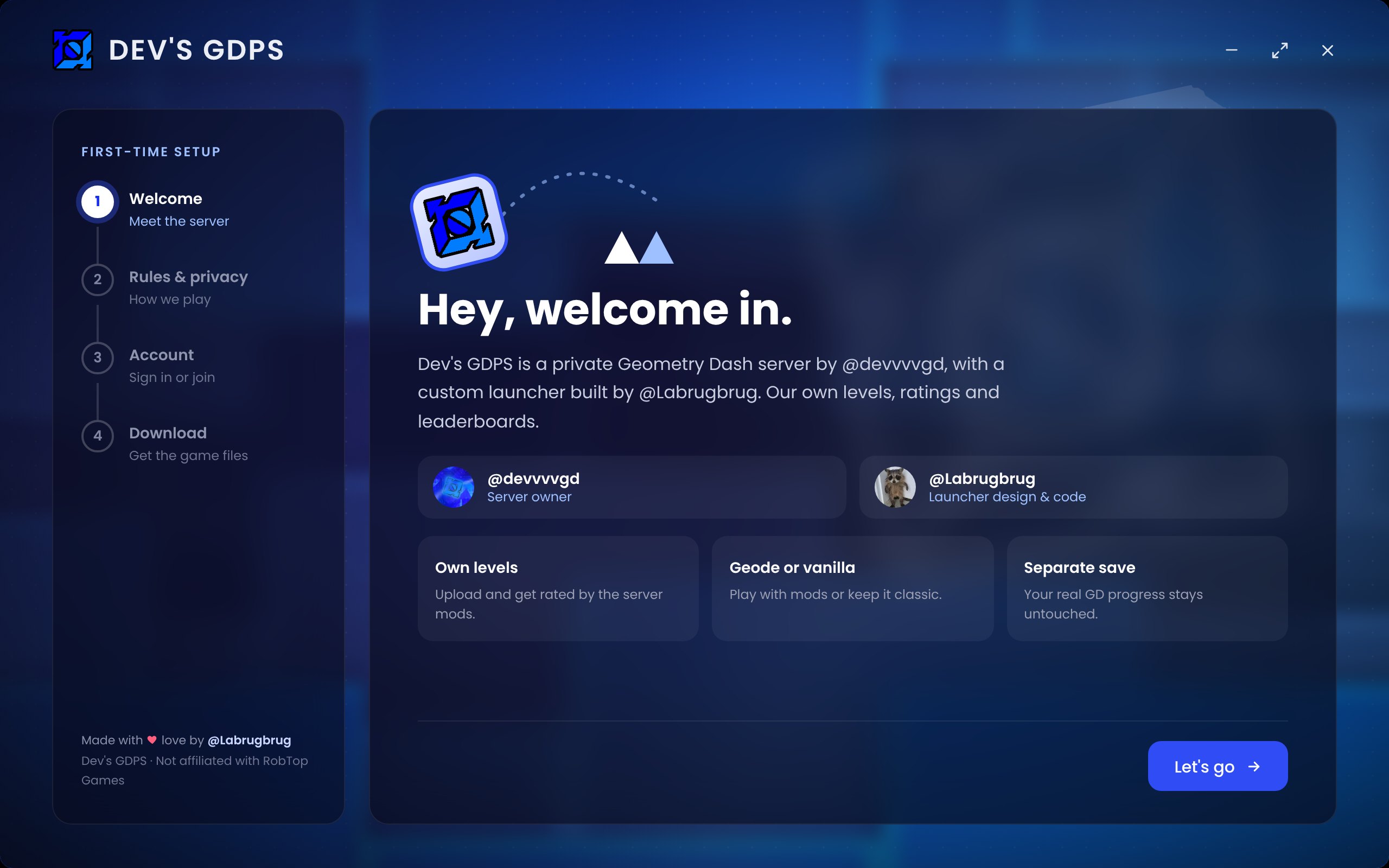
Sign up, read the rules and set up your account right inside the launcher.
Free, no ads
No payments, no ads, no tracking. Just Geometry Dash with your friends.
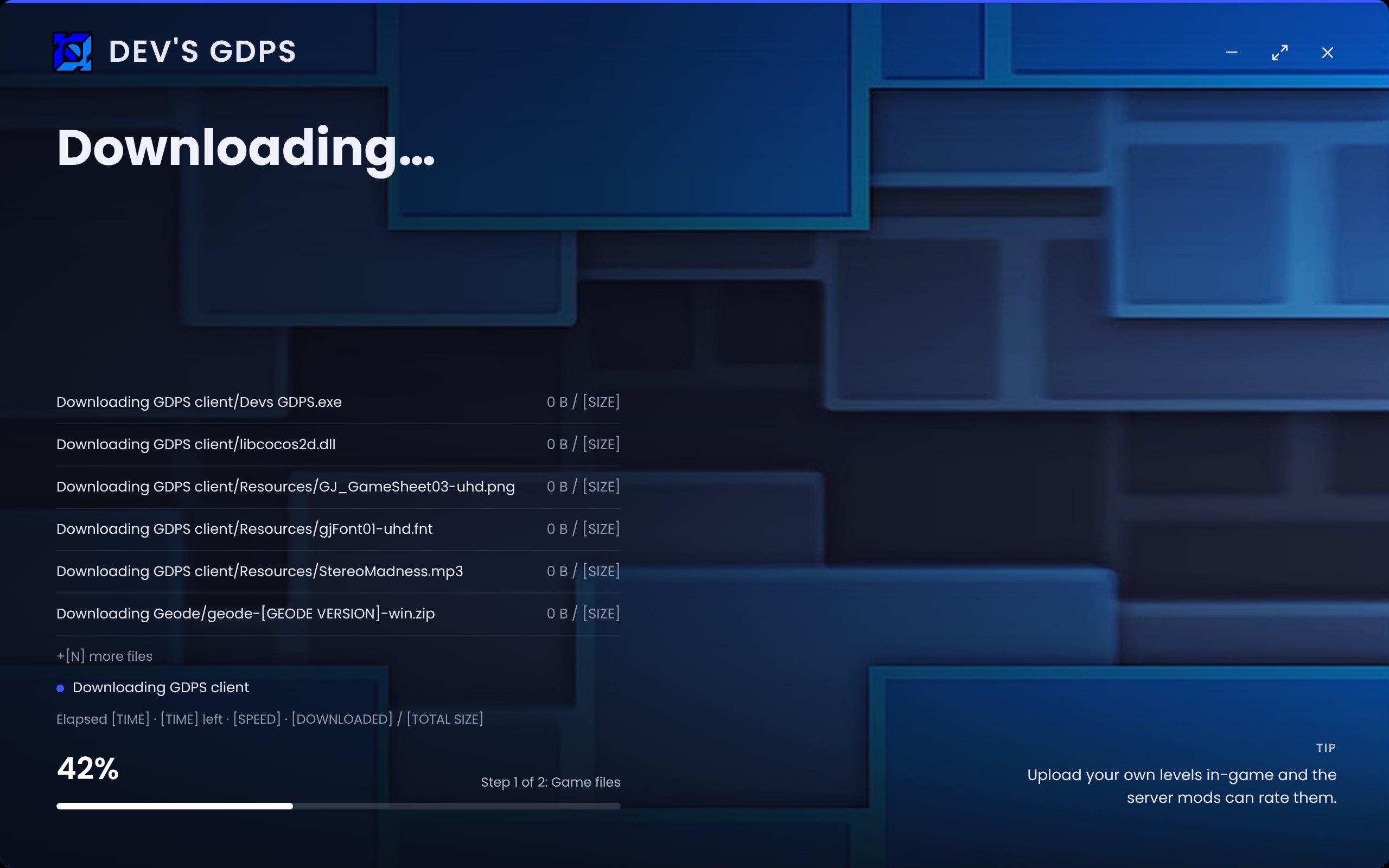
Take a look
Made by


Get the launcher
Version 0.1.8 · Windows 10 and 11, or 64-bit Linux
- Geometry Dash on Steam
- An internet connection for the first setup
- On Linux: Wine installed, to run the game
- A Dev's GDPS account (you can make one in the launcher)
Windows SHA256: a077dd6c1b92837649640c1356a8714b5cdd111ef3c59fc9d37d1be7f3ab302f
Linux .deb SHA256: ec475e9a57dcc1a9fc02539ac76ea784f15090c506a548bbb24003a623aced0c
Questions
Is it free?
Yes. The launcher and the server are free, with no ads and no payments.
Do I need to own Geometry Dash?
Yes, you need Geometry Dash on Steam, and Steam needs to be open when you play.
Will it mess up my real save?
No. Dev's GDPS uses its own save folder, and the launcher never touches your normal Geometry Dash install or save.
Windows says "Windows protected your PC". Is that okay?
That warning shows up for small apps that aren't code-signed yet. Only download the launcher from this page, check the SHA256 in the download section if you want to be sure, then click More info → Run anyway.
Windows Security removed the game. Is it a virus?
No. Windows Defender sometimes flags our game file as Trojan:Win32/Bearfoos.A!ml. The !ml means it's a machine-learning guess, because the game is Geometry Dash patched to connect to our server. We've checked the file and reported it to Microsoft. To fix it: open Windows Security → Virus & threat protection → Protection history, open the newest alert for Devs GDPS.exe, click Actions → Allow on device, then click Repair in the launcher once. Don't turn Defender off. If the alert names a different file, ask us first.
Can I play on Linux?
Yes! Download the .deb above, then open it to install, or run sudo apt install ./devs-gdps-launcher_0.1.8_amd64.deb in a terminal. The game itself runs through Wine, so install Wine first (on Zorin, open Software and install "Windows App Support"; on Ubuntu or Mint, run sudo apt install wine).
Is this made by RobTop?
No. Dev's GDPS is a fan-run private server and isn't affiliated with RobTop Games. Geometry Dash belongs to RobTop Games.